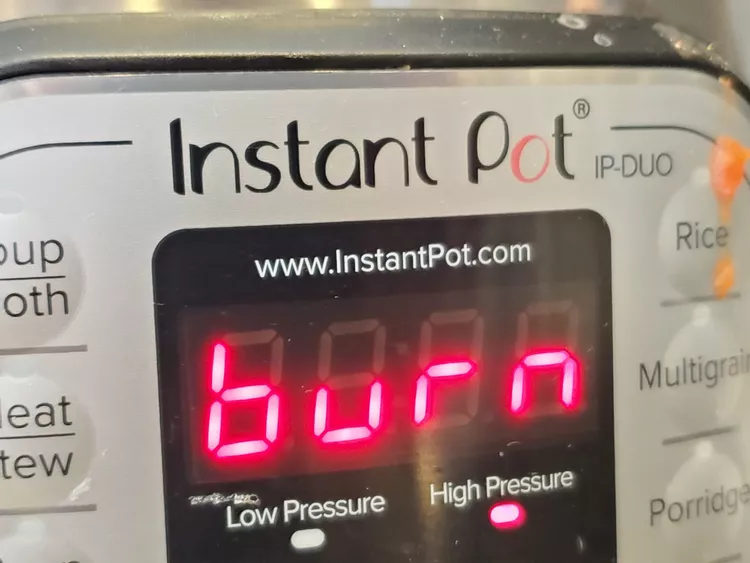
Your Instant Pot automatically turns off once it detects a burn in the inner pot, immediately taking care of the most pressing issue. Sometimes, your Instant Pot will cool down quickly and resume cooking on its own. But in most cases, it’s good to have a plan with damage control. And remember, there’s no reason to panic.
What to do if your Instant Pot gives a burn warning:
Power down
The first step is also the simplest: press the cancel button to turn your Instant Pot off.
Check the steam valve
If your steam valve was set to sealing position, carefully turn it to the venting position to release the steam. If your steam valve was supposed to be in the sealing position but ended up in the venting position, this is probably what activated the burn notice.
Check the ring
Once enough steam has been released, open the Instant Pot’s lid and check if the ring is dirty, damaged, or just inserted improperly. Next, check the float valve and make sure it’s clean.
